
Getting Started
How to get started with Gymplify depends on what type of user you are:
- A gym owner: Create and own an app instance of Gymplify
- A gym member: Connect to your gym via the Gymplify app
If you're a gym owner
If you own a fitness business — such as a gym, a personal training business, or any other kind of fitness studio — Gymplify can be your operating system to manage your day-to-day operations.
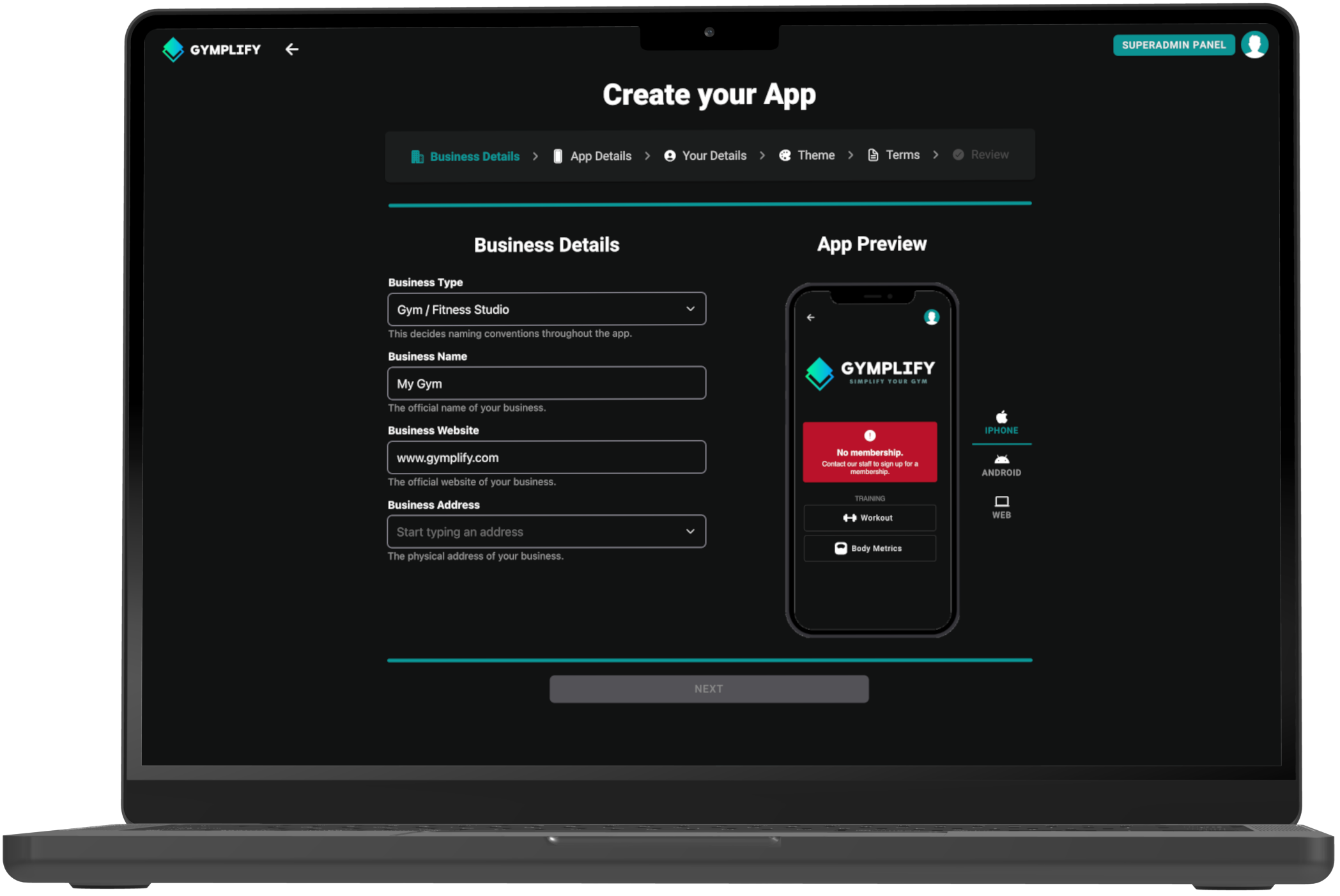
As a business, you can create your own app instance of Gymplify. This allows you and your staff to manage members, and lets members log in and interact with your business.
Create an app via app.gymplify.com or the Gymplify app (mobile). It only takes minutes—then you can start onboarding staff and members right away.
No setup fee & easy process
Create your app instance automatically - no back-and-forth, no waiting. That’s why there’s no setup fee to get started.
If you're a member of a gym
If you are a member of a gym or fitness studio that uses the Gymplify platform, you can connect your Gymplify account to your gym's app instance and use the features provided by both Gymplify and your gym.
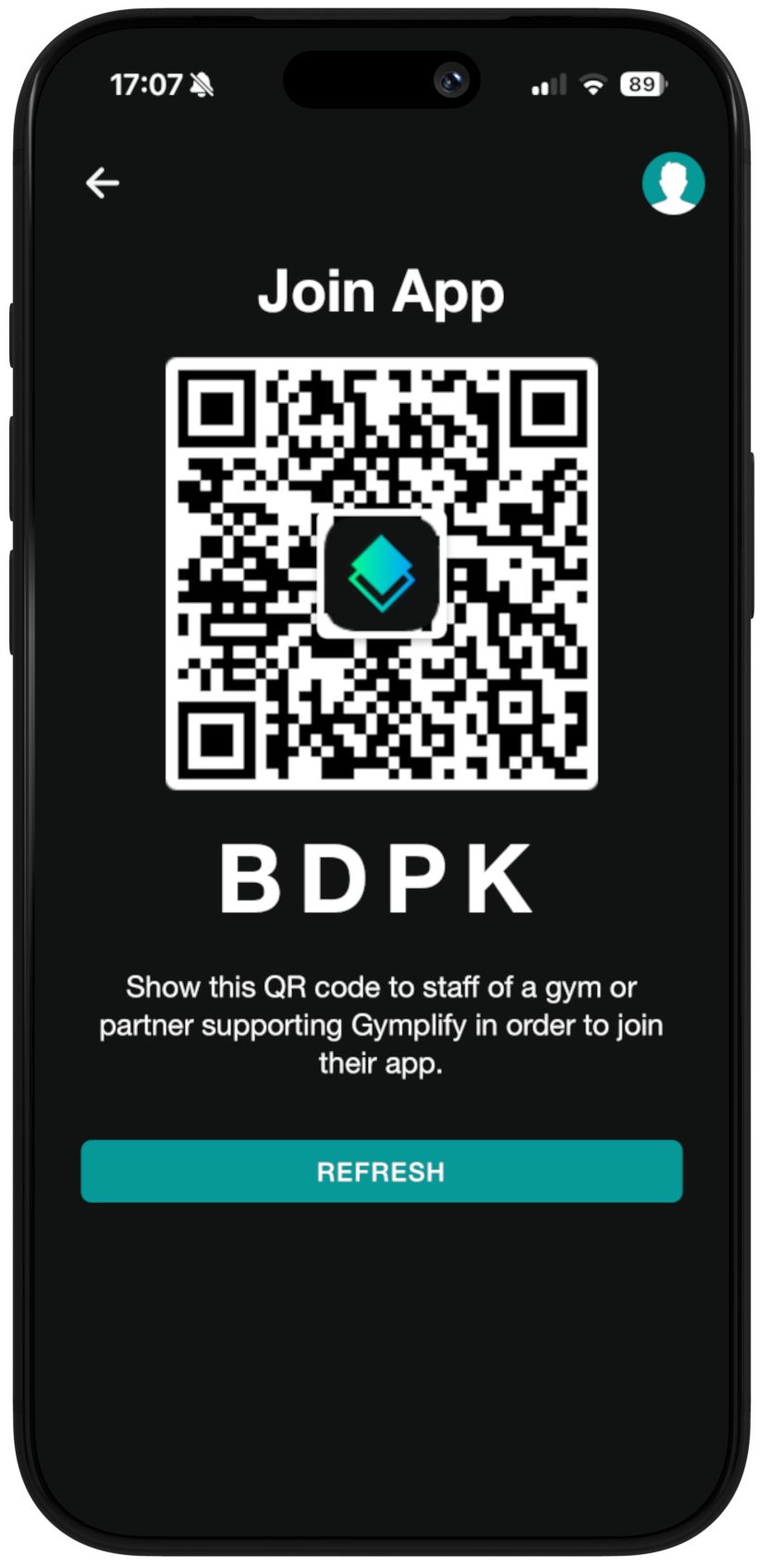
Sign up in the Gymplify app (or your gym's branded app) and show your QR code to staff to connect.
Talk to your gym's staff to get more information about their app.