
Gym member guide
Gymplify connects you to your gym and gives you a place to check in, record training, and follow your progress.
Your gym chooses the features it makes available. Your home screen may therefore look different from the examples in these guides.
First time here?
- Sign in or create an account.
- Connect to your gym by showing staff your QR code or join code.
- Check your membership.
- Open your gym's home screen and choose what you need.
Creating a Gymplify account is separate from buying a membership at your gym. Staff connect your account and manage the membership.
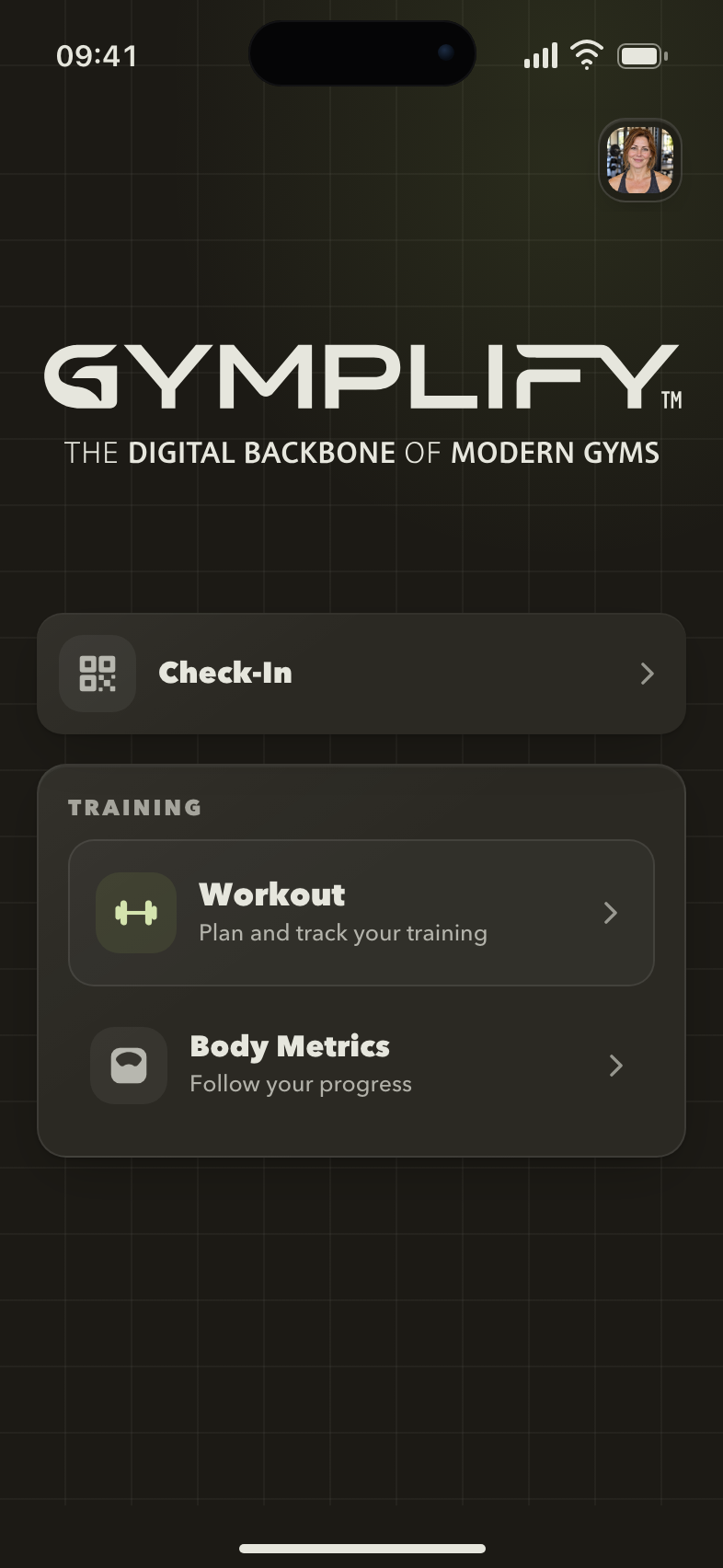
Your gym on your phone
The home screen gives you access to the services your gym has enabled, such as check-in, workouts, and body metrics.
Your everyday guide
| I want to… | Open this guide |
|---|---|
| Check in or find a good time to visit | Check in and plan your visit |
| Book or cancel a class or event | Book and cancel events |
| Check my credits or buy a credit pack | Credits and credit packs |
| Meet the coaches, see rooms or the shop | Coaches, rooms and shop |
| Choose which notifications I get | Notification settings |
| Join the gym's Wi-Fi | Connect to the gym's Wi-Fi |
| Follow a workout and record sets | Train with Gymplify |
| View membership dates or past memberships | Your membership |
| Track weight, body fat, or muscle mass | Body metrics |
| Read a message from the gym | Your inbox |
| Manage sign-in methods or a password | Your account |
Who can help?
Ask your gym's staff about membership dates, payments, pauses, workouts, and access to gym services. They manage those records and settings.
For an app or sign-in problem, start with Troubleshooting. Contact support if you still need help.
Working at the gym? Use the staff guide for Admin Panel tasks.