
Coaches, rooms and shop
For gym members. Your gym decides which of these pages it shows. You find them on your home screen.
Meet the coaches
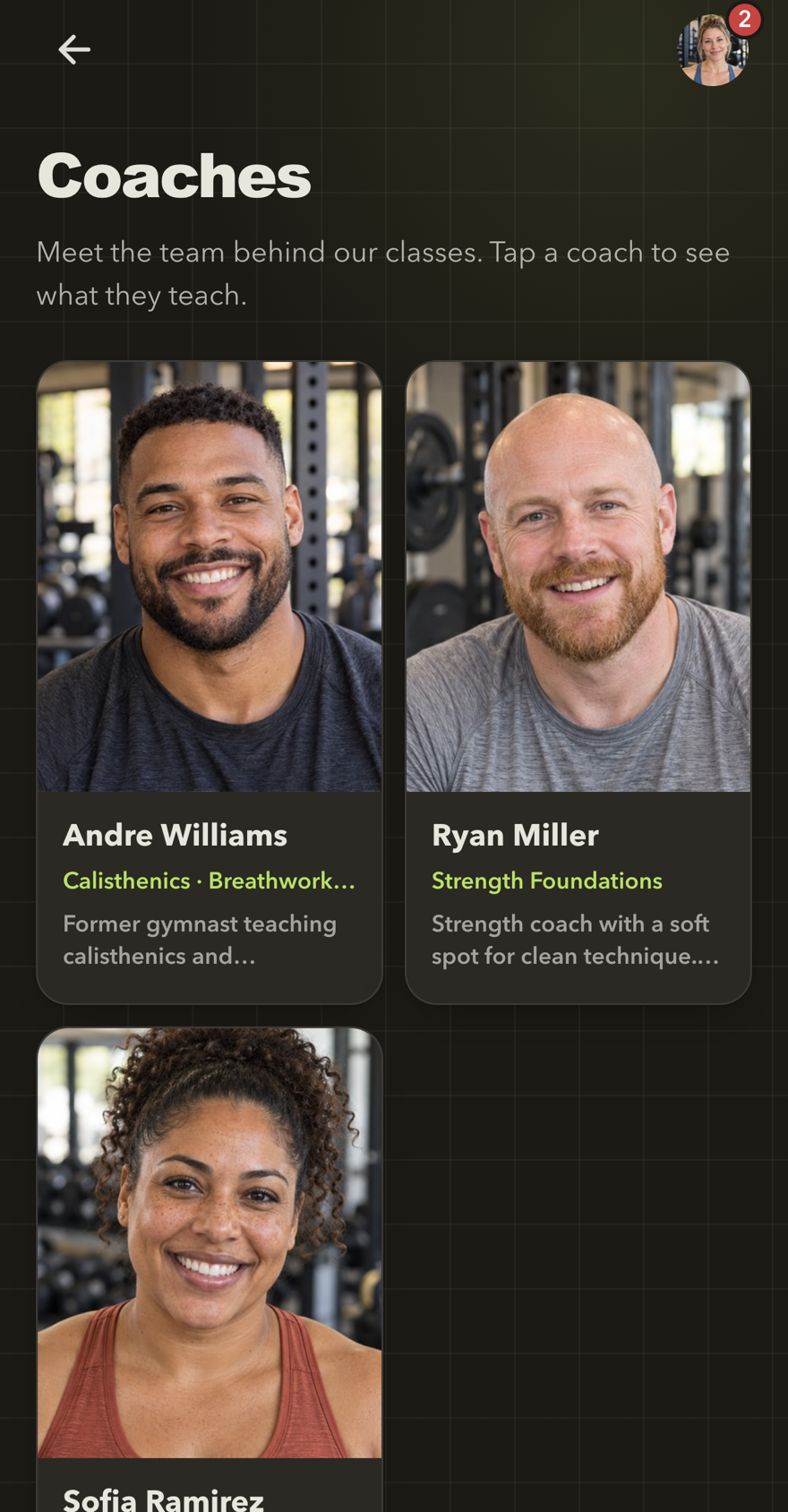
Open Coaches to see the people who lead your gym's events. Select a coach for their photos, an introduction and their upcoming events. Select an event to open it and book it.
Meet the coaches
Each coach card shows a photo, the classes they teach and a short introduction. Select a coach to read more.
Explore the rooms
Open Rooms to see the gym's rooms with photos, capacity and opening hours.
Rooms cannot be booked in the app. Book the events that take place in them, or ask the team.
Visit the shop
Open Shop to see products such as gift cards and their prices. Buy them at the gym's desk; there are no payments in the shop.
Next: Choose your notifications.