
Read messages from your gym
For gym members. Your gym uses the inbox to send information directly to your connected member profile.
Open a message
- Select the correct gym.
- Open Your Inbox or the message entry available in your app.
- Select a message to read its contents.
- Open any attachment you need.
Unread messages are indicated in the app.
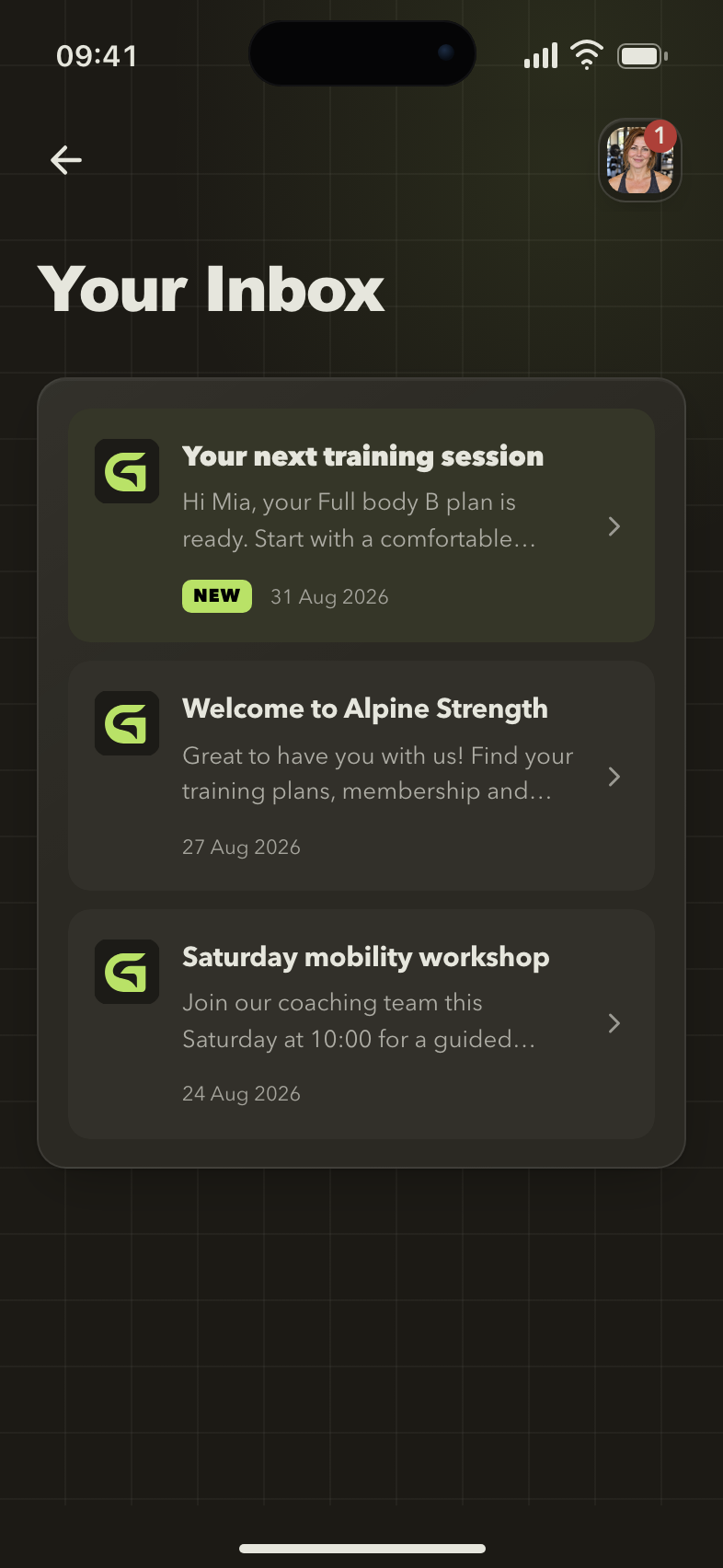
Your gym inbox
Messages from the gym stay together in your inbox, with unread items marked so you can find them.
Need to respond?
Follow the contact instructions in the message or speak to gym staff. For something urgent, use the gym's agreed contact method.
A message is missing
Check the selected gym and account. If staff sent it to an existing profile, ask them to confirm that your account is connected to that profile.
If the inbox itself is unavailable, ask whether the gym has Messaging enabled.
Next: Get help from the right team.