Multi-Device Support
Gymplify can be accessed through various channels and on many different devices.
Recommendation
For mobile devices, we recommend using the Gymplify mobile apps to get the best usability and feature set.
Web Application
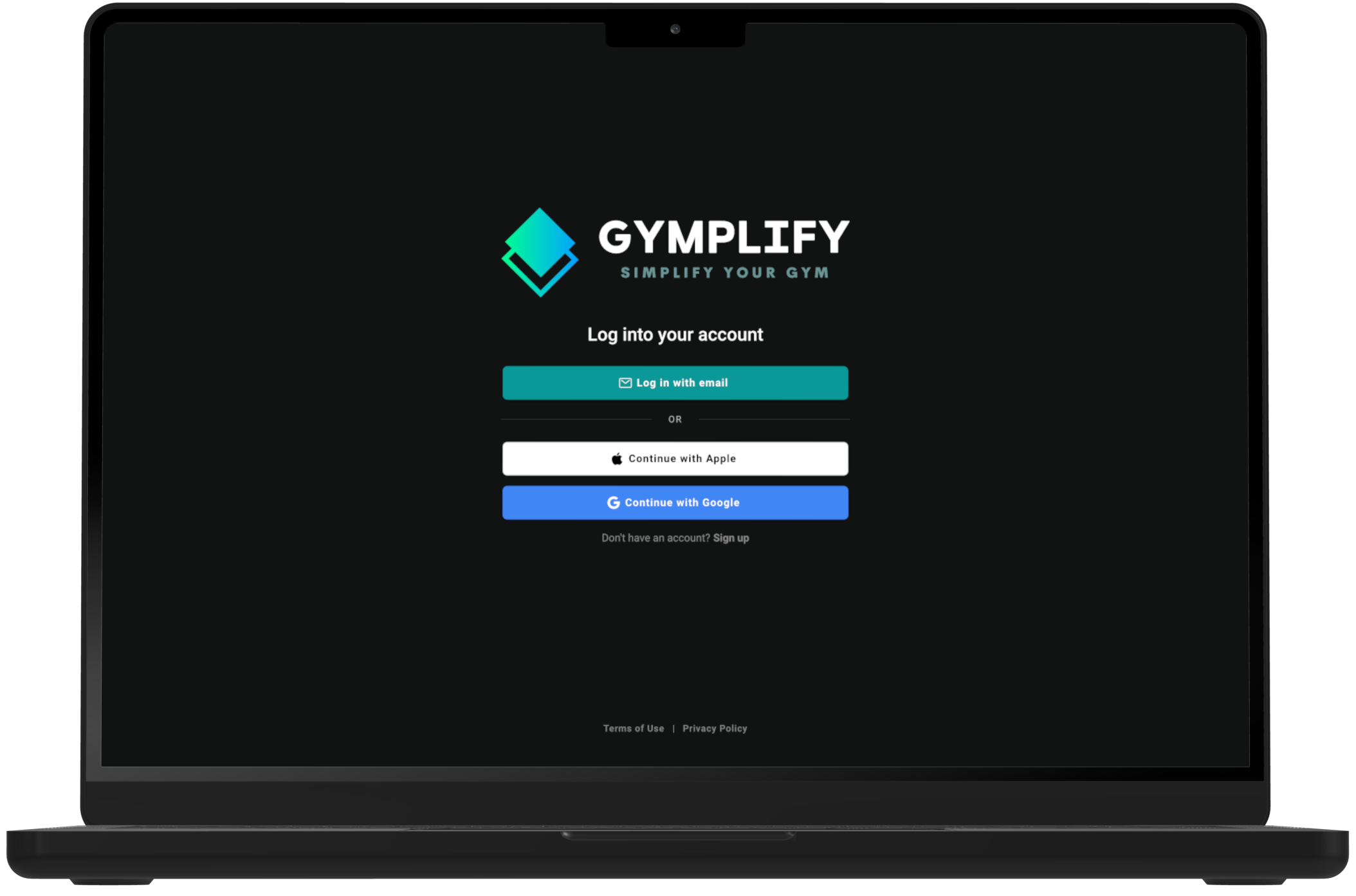
Gymplify can be accessed through app.gymplify.com from any web browser, such as Google Chrome or Safari.
This allows you to access and use Gymplify without having to install the app on your device.
Recommendation
For admin features such as member management, we recommend using the web version so you can take advantage of a larger screen.
Choose how you want to use Gymplify.
Install the mobile app or continue directly in your browser.
iOS (iPhone/iPad) Application
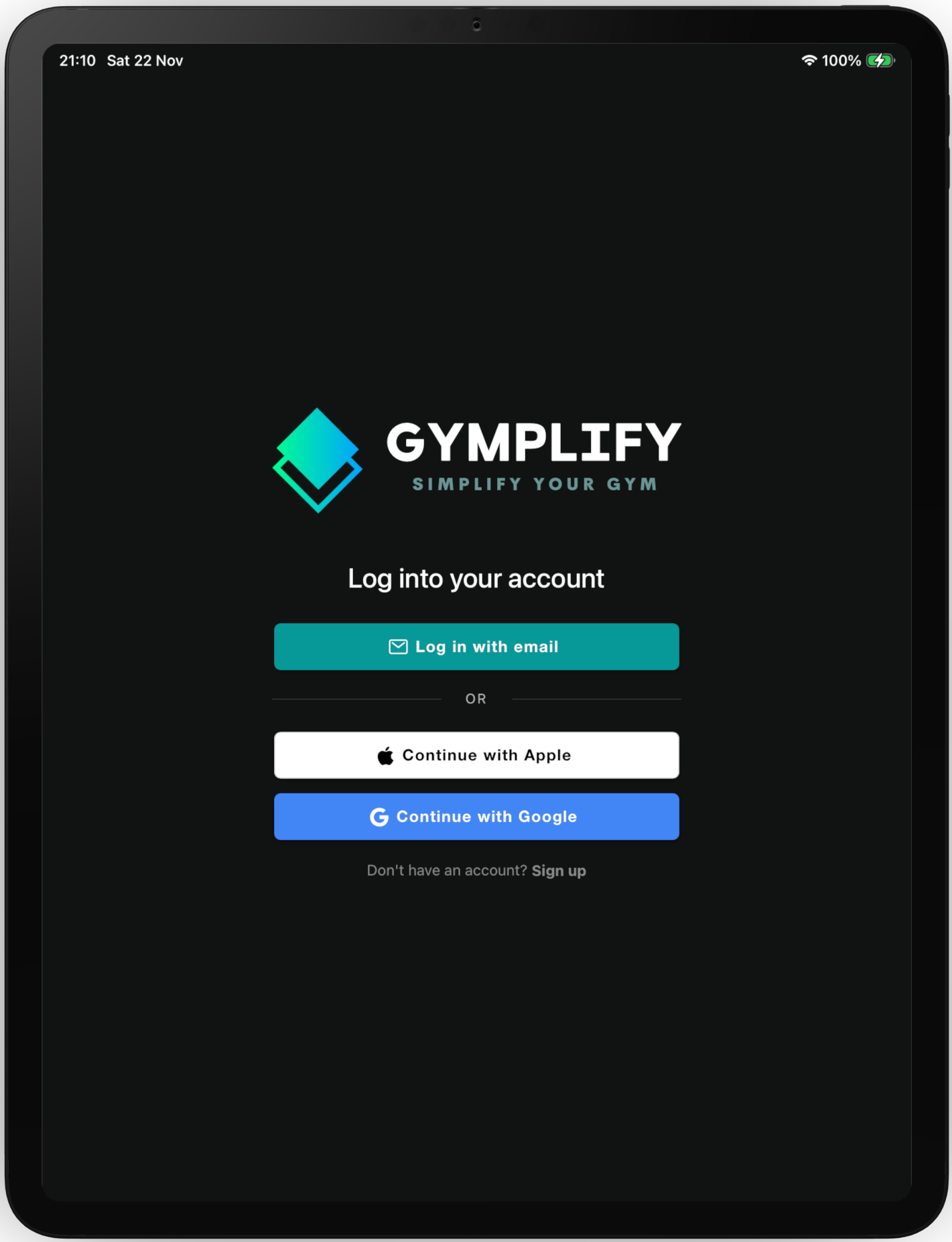
For iOS devices (iPhone, iPad, or Apple Silicon Macs), the Gymplify app can be downloaded from the Apple App Store.
Visit apps.apple.com/app/gymplify/id1625336143 to download the app to your iOS device.
Choose how you want to use Gymplify.
Install the mobile app or continue directly in your browser.

Android Application
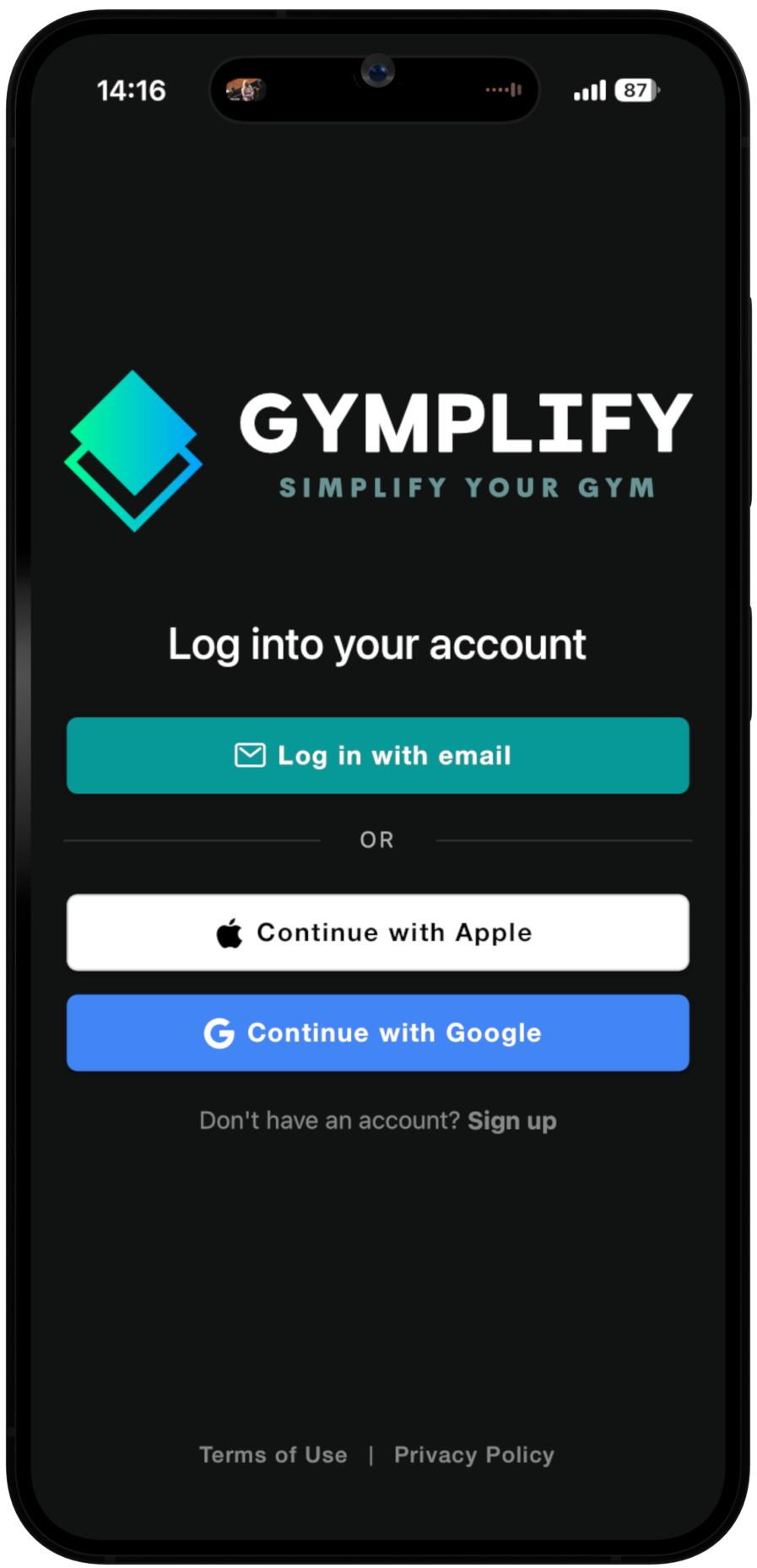
For Android devices, the Gymplify app can be downloaded from the Google Play Store.
Visit play.google.com/store/apps/details?id=com.gymplify.prd to download the app to your Android device.
Choose how you want to use Gymplify.
Install the mobile app or continue directly in your browser.