
Coach members and manage workouts
For trainers and staff. For recording your own sets and sessions, follow Training as a member.
Understand the two workflows
A member's managed workouts are the training you maintain for that person. Their own workouts are part of their member experience.
The gym's Workout Catalog and Exercise Catalog hold reusable training content. Managing shared catalogs and editing an individual member's workouts can require different permissions. Understand staff access.
Work with a member's training
- Open All Members and select the person.
- Open Workouts.
- Review their managed workouts and existing training.
- Add or open a managed workout.
- Select exercises and set the targets provided by the workout editor.
- Save the changes and review the plan with the member.
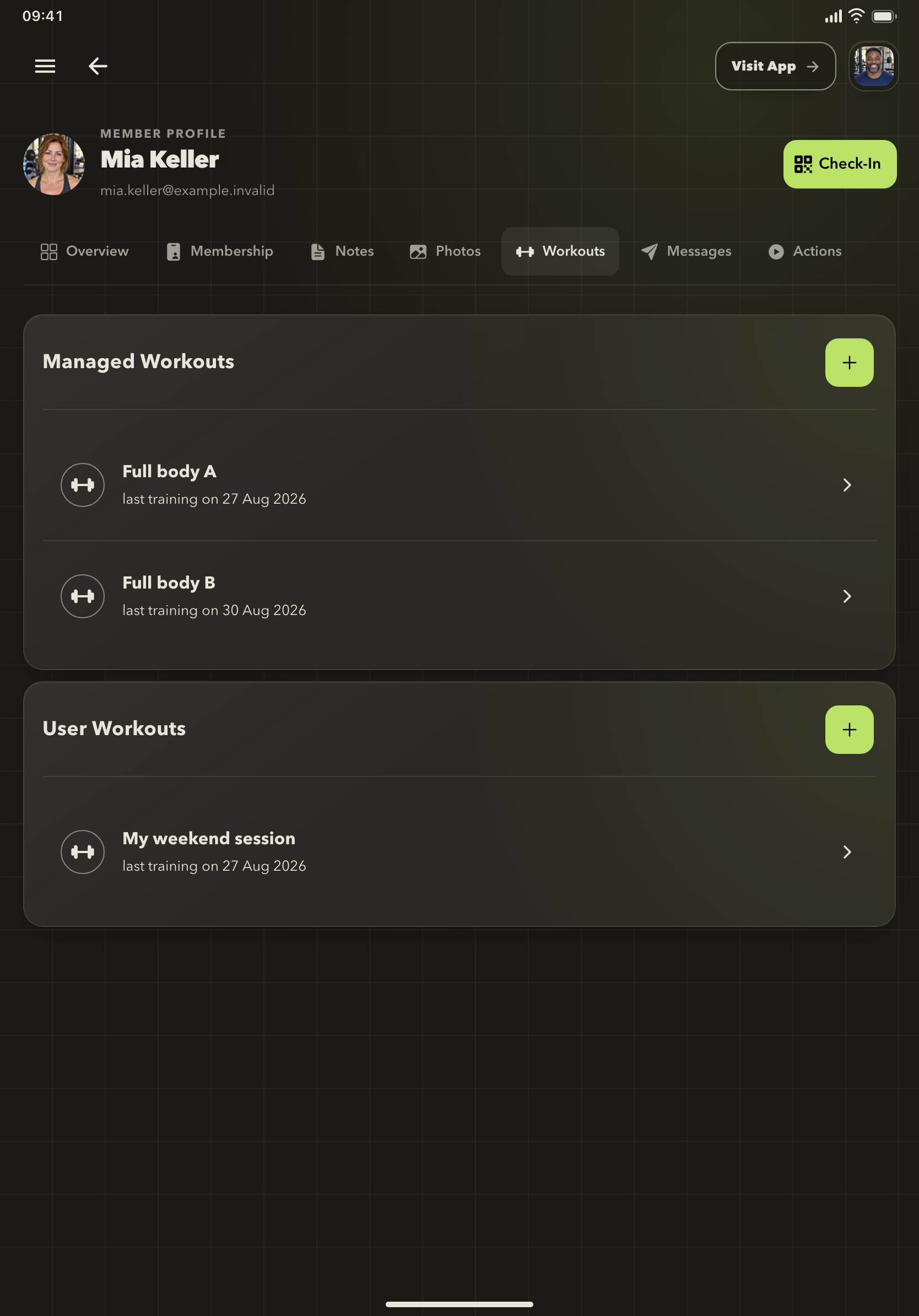
Coach from the member's workout list
Managed workouts and the member's own workouts are shown together, with recent training information to support your conversation.
Use the correct member profile for individual changes. Explain the plan to the member before they begin recording their session.
Build reusable training content
Staff with catalog access can open Training → Workout Catalog or Training → Exercise Catalog from the sidebar.
Use the available Gymplify content or maintain your gym's custom catalog where your plan allows it. A shared catalog is useful for routines and exercises that several members need.
Custom gym catalogs are included in the advertised paid plans. Check the options available in your app before planning a catalog rollout.
Review a session
Open the member's workout and its history to review recorded sessions. Targets describe the planned work; recorded sets show what the member entered.
Use the recorded weight, repetitions, and feedback to guide your discussion. A missing entry may mean the member has not logged that exercise.
A member cannot use a workout
Check that you have selected the right gym and member, that Training is enabled, and that the gym's membership-access settings allow use.
The Training module includes Disable for inactive members and Always allow managed workouts settings. Staff with configuration access can review these under App Configuration → Modules → Training.