
App instances
Gymplify is a SaaS platform for gyms where each customer-owned app is an independent app instance. Every gym (or other business) operates its own instance with its branding, membership roster, and settings, all running on the Gymplify platform.
How members join an instance
- Members create a Gymplify account in the mobile app.
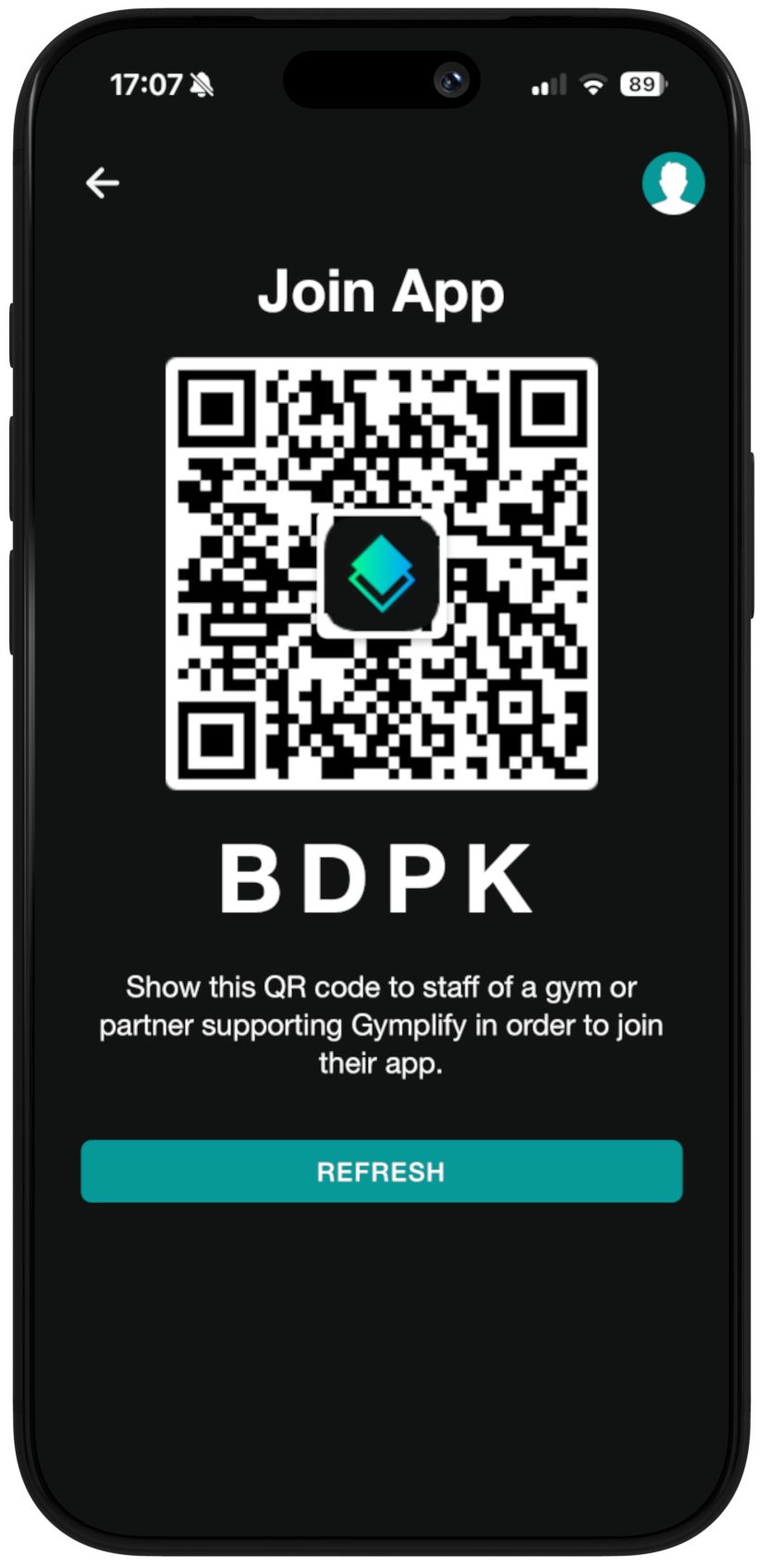
- In the app, they open their personal QR code.
- At the gym, staff scan that QR code to link the member account to the gym’s app instance.
Adding members as an app owner
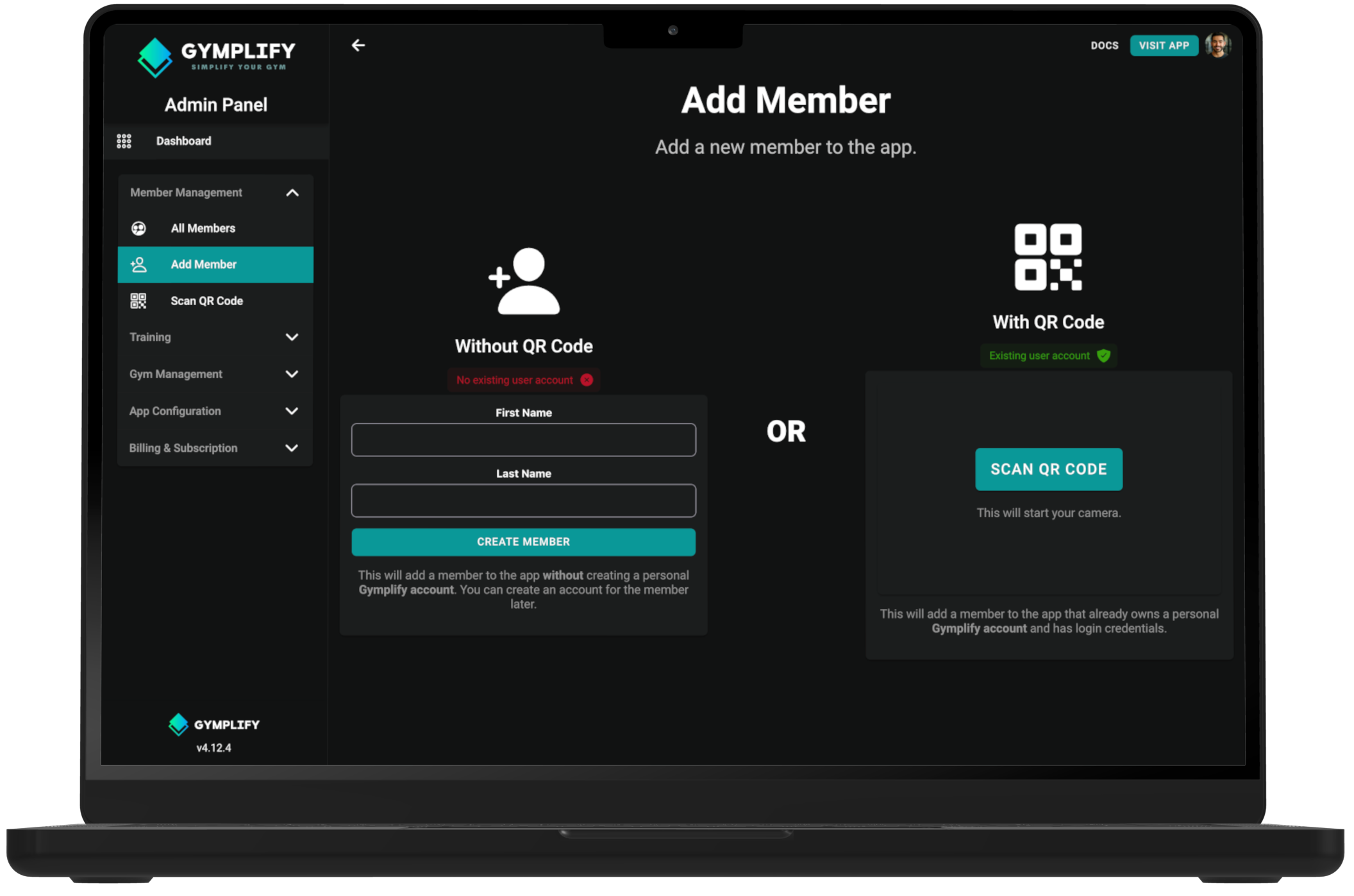
- As an app owner or front-desk staff, open the Gymplify admin view and start “Add member”.
- Scan the member’s in-app QR code to attach their account to your instance.
- The member immediately gains access to all instance-enabled features (e.g., check-in, booking, messaging) based on your configured permissions.
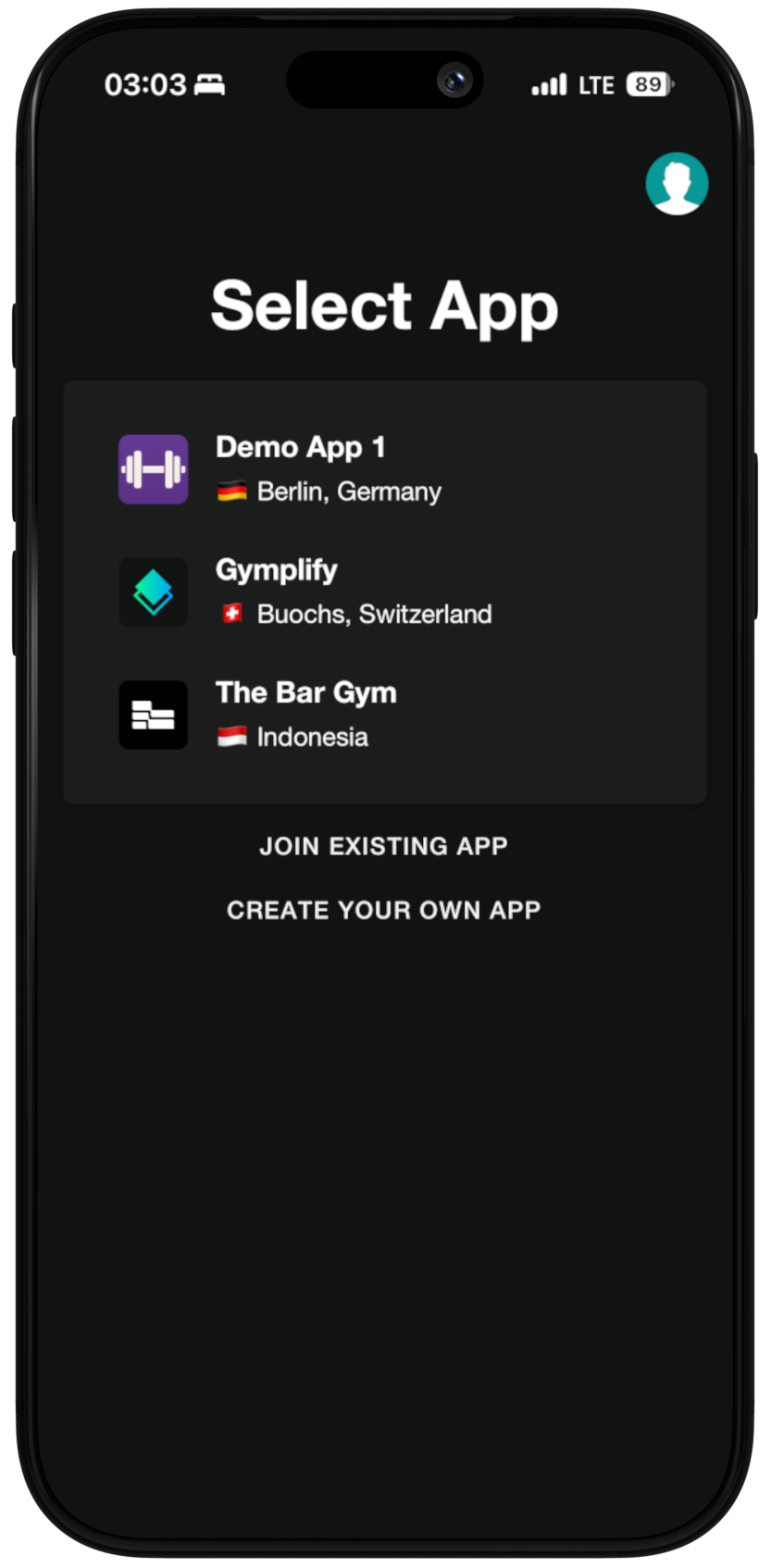
Members can join multiple gyms
One member account can belong to multiple app instances (for example, different gym locations or partner facilities). Members simply repeat the QR scan process at each gym to join.
Adding members without an app account
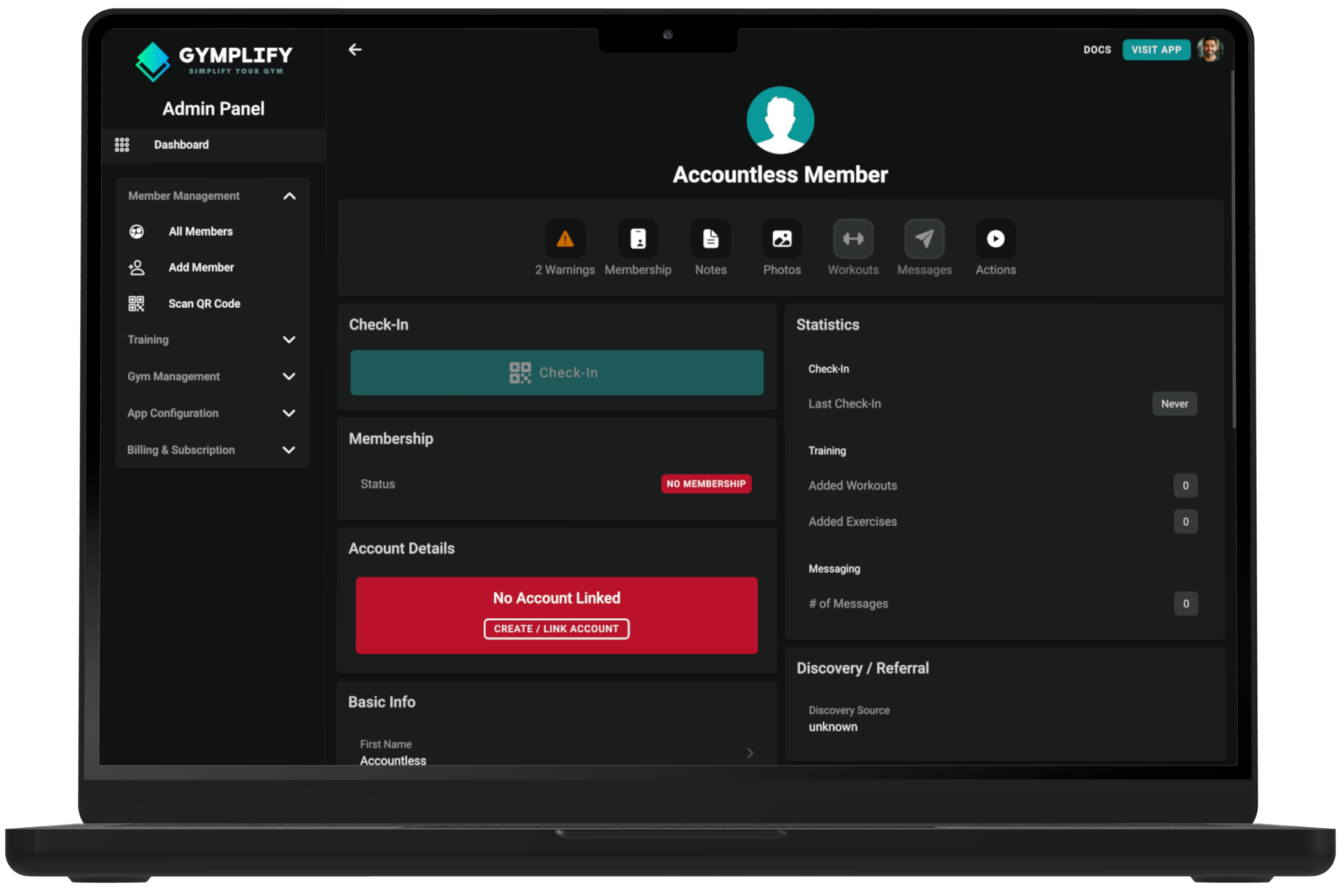
Gym owners can also add members who have not yet created a Gymplify account:
- Create the member profile directly in the app instance.
- Members do not necessarily needd to register via app. You can manage your members by yourself.
- When the member later registers in the app, link their new account to the existing profile so their history stays intact.
Key points to remember
- Each app instance is owned and managed by a gym or similar business, but powered by Gymplify.
- QR codes provide the fastest, most reliable way to connect members to an instance.
- Members can hold memberships across multiple app instances with a single Gymplify account.