
Check-In Module
The Check-In module helps you track who is currently in your gym and when members visit. It supports QR-based check-ins for app users and manual check-ins for members who don’t use the app.

What you can do (staff)
- Check in members via QR code (for members who use the app).
- Manually check in members (e.g. if they don’t use the app).
- Optionally restrict access to parts of the app based on whether a member is checked in (for example: only allow the Training module when checked in).
- View check-in statistics, including who checked in and when.
Automated check-in (QR code reader)
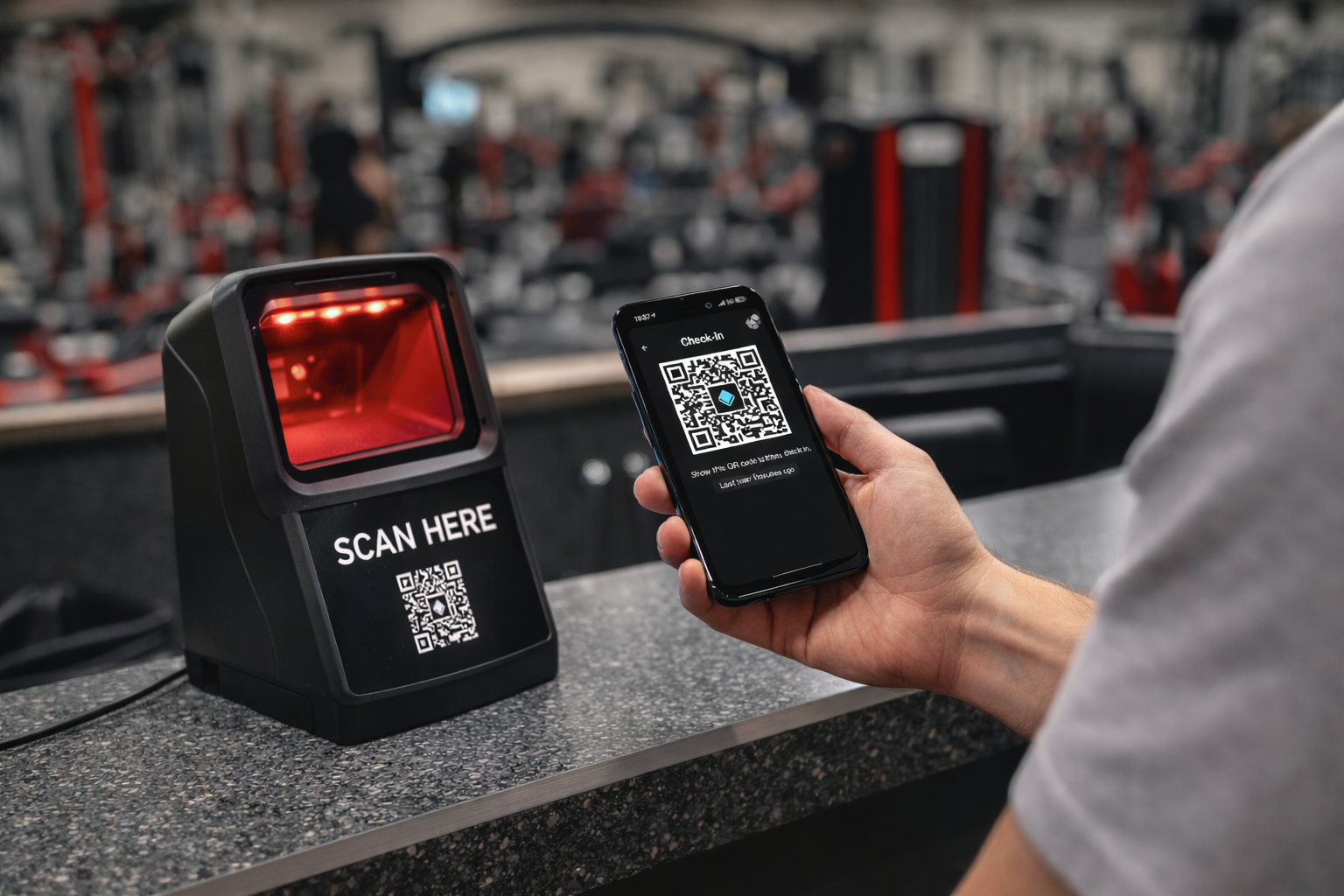
You can connect a QR code reader to your front desk computer to enable automated check-in.
When a member presents their QR code to the reader, they can be checked in automatically - without any interaction from your front desk staff.
Reporting & insights
- Track check-in history (e.g. how many check-ins per specific day).
- Use check-in data as the basis for occupancy-related statistics.
Related modules
- Occupancy insights: Occupancy
- Optional access rules based on presence: Member Management